Your account is your own private space. Everything you add to it is used for one thing: making Ena’s answers about you. You can start for free, and you do not need a credit card to create an account.
Signing in
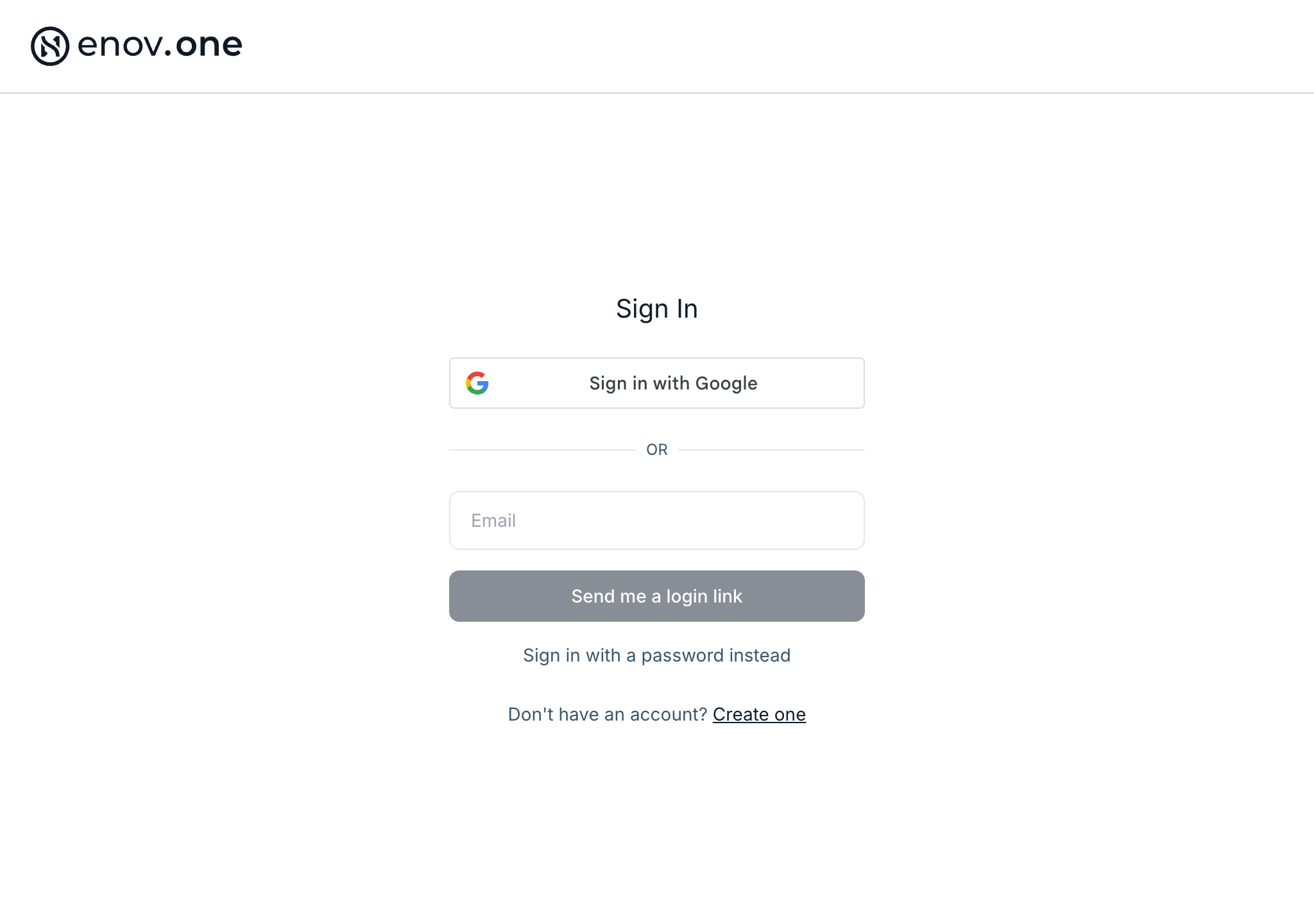
Go to live.enov.one and tap Sign in. You can sign in with Google, or enter your email and choose either:
- “Send me a login link” — we email you a one-tap link, with no password to remember. Easiest on a phone.
- “Sign in with a password instead” — this reveals a password box.
The login link works for 60 minutes and once only, and it signs you in on whichever device you open it on — so open the email on the device you want to use.
The Patient Disclaimer
The first time you are in, you are asked to accept the Patient Disclaimer. That is the agreement covering what Enovone is and is not, and you accept it once.
Your files are yours to remove
Tap your initial in the top-right corner and choose My Files. Every file you have added is listed there — labs, DNA and the documents Ena has made for you — and the bin icon removes a file and its values from your data. Your raw DNA data is listed there too, and you can download it.
Your phone number
If we have a mobile number on file that you never confirmed, the app asks you once: “Is this still your number?”, showing its last four digits. Tap “Yes, that’s mine” or “No, change it”. The number goes on your lab requisitions, and it’s where we text you when results are ready. “Not now” hides the question until your next sign-in.
Nothing is shared without you
If you want someone else to see your report, use the Share button on the report page and enter their email. You can see who you have shared with, so nothing goes out silently.
Good to know: to reach a real person about anything on this page, open the chat, tap the side panel and use Support.