After your first login, you’ll see: “Welcome. Let’s get to know you.” Tap “Begin setup” and you’ll walk through five short steps:
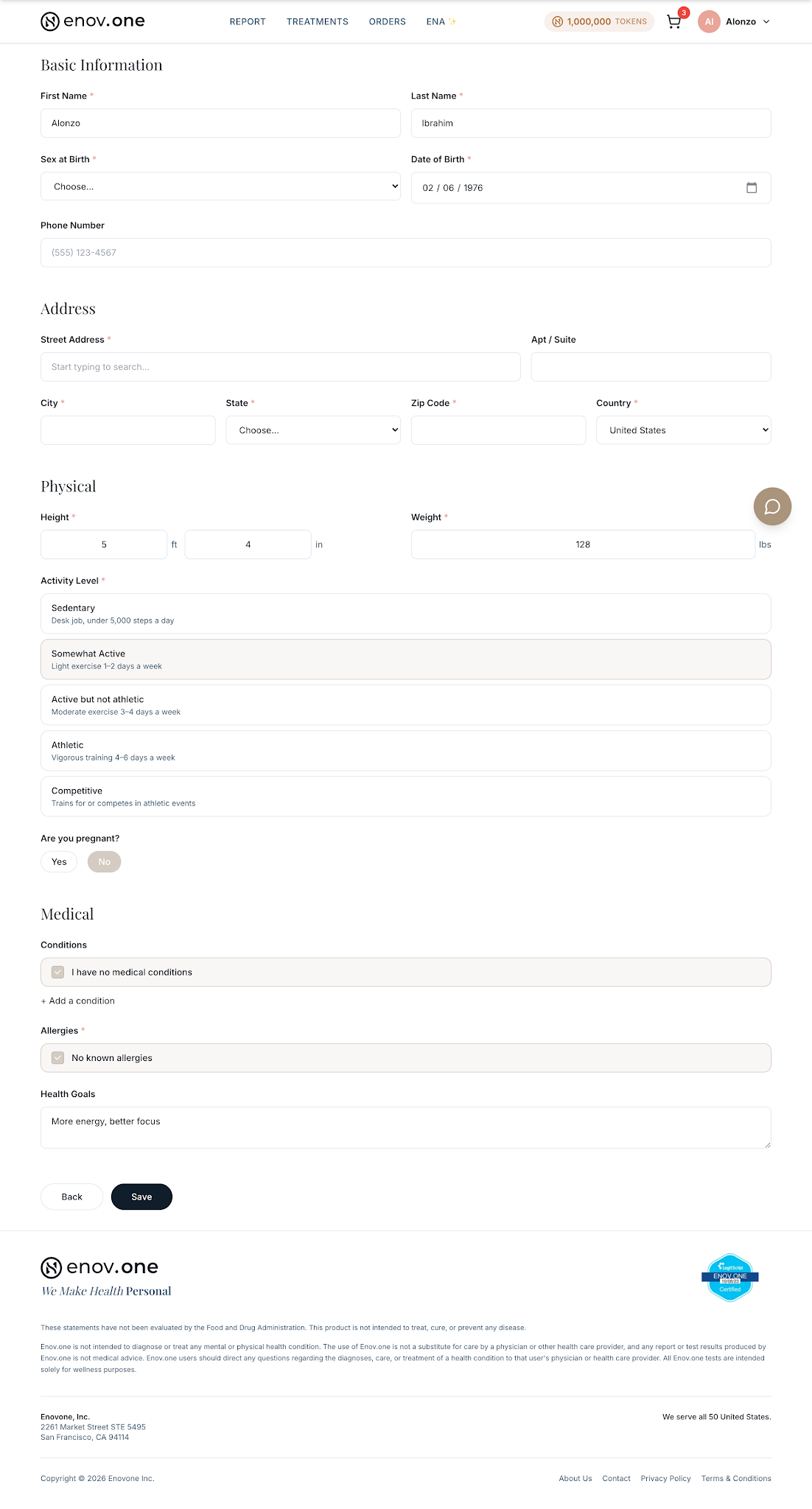
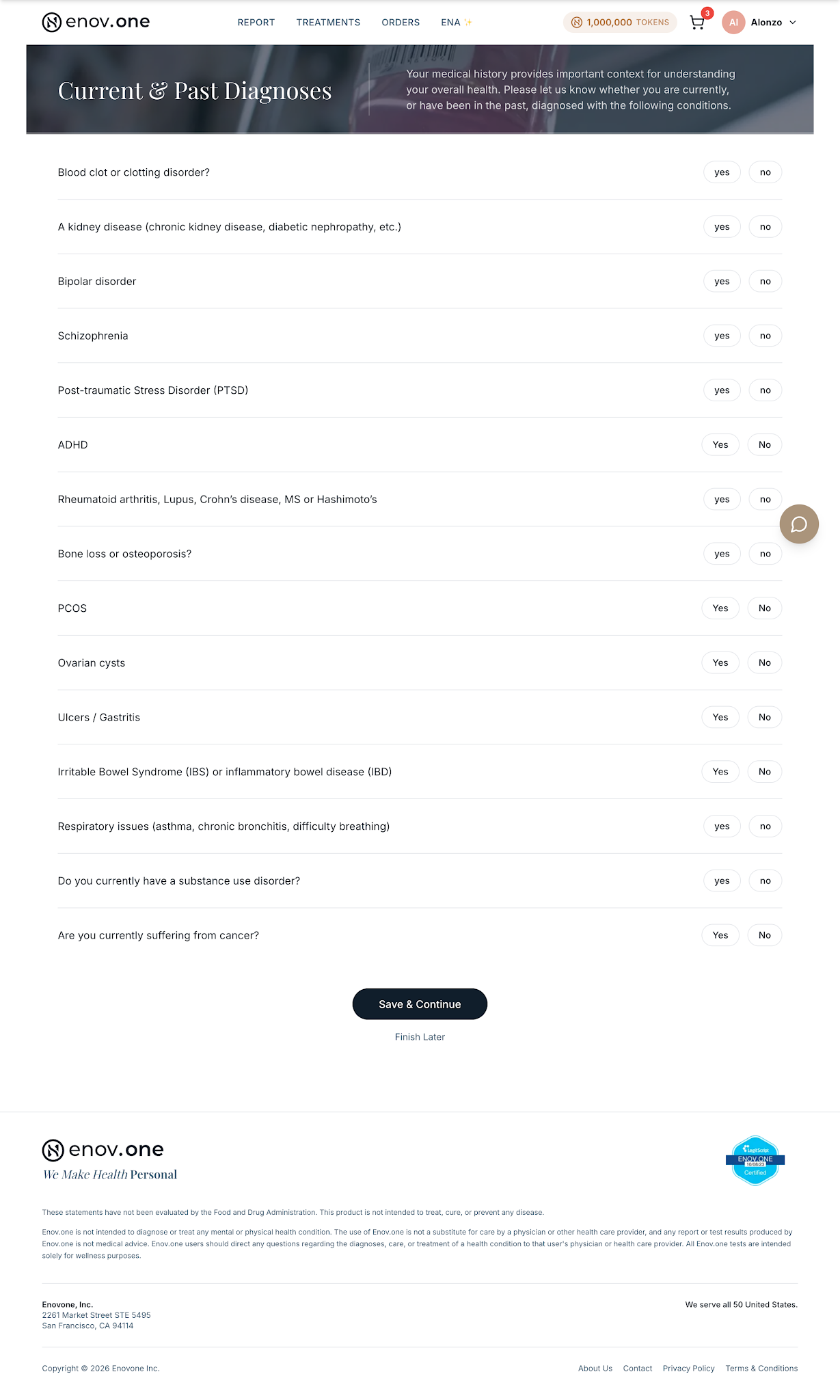
- Profile — the basics: body measurements, conditions, medications, supplements. The conditions question needs an answer before you can continue: tick any that apply, or choose “No medical problems/conditions”. Medications, supplements, surgeries and allergies are optional.
- DNA — free with Enovone+, or upload raw data you already have.
- Labs — bloodwork PDFs from any medical or testing facility (We can also get you setup with labs if need be!)
- Questions — quick health questions tailored to you.
Done!
Bought a DNA kit? The first time you open the app after ordering, you’ll see a “You’re ready to start” page once, with your token balance, an “Upload labs or health records” button and three starter questions. It only appears before your kit ships and within two weeks of ordering.
You earn tokens as you go (Profile 100 · DNA 200 · Labs 200 · Questions 100), and your report unlocks once Ena has enough to analyze — worth another 500. That’s the moment the app really opens up. And if you get interrupted, nothing is lost: coming back picks up right where you left off.