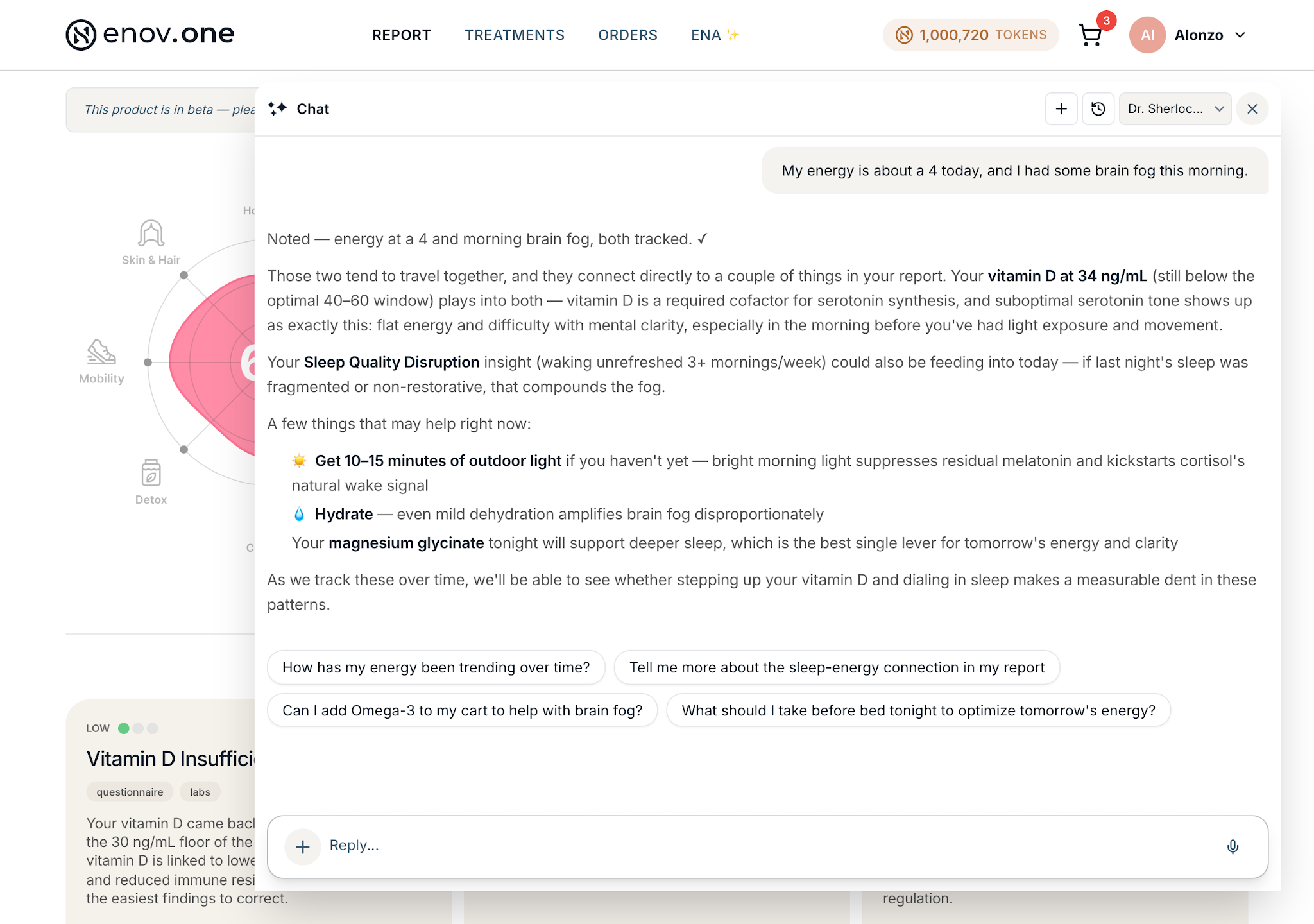
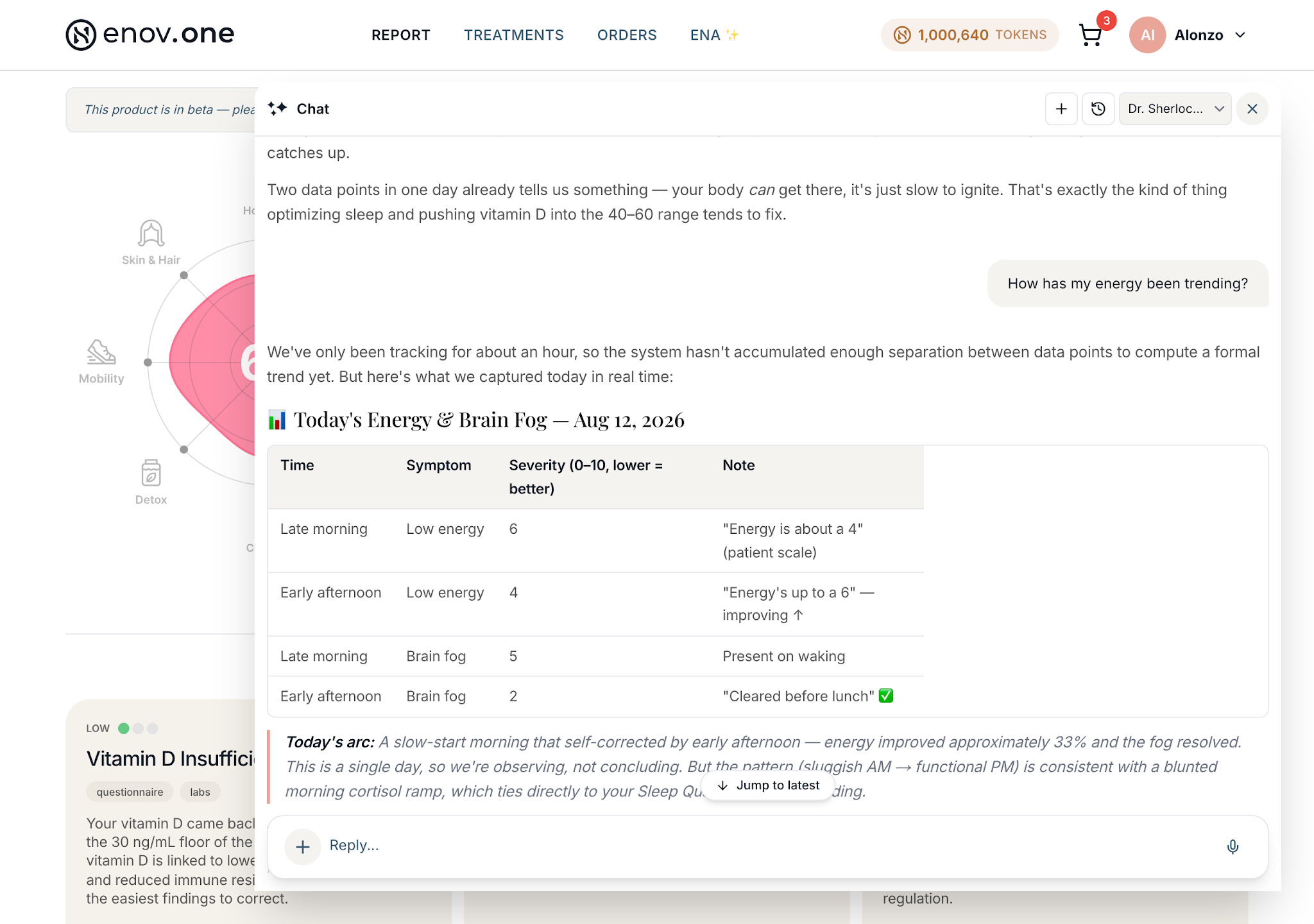
You don’t have to keep a journal or fill in a tracker: if you mention a symptom to Ena in passing, she quietly records it as a datapoint. Do that for a couple of weeks and she can show you the trend — which is how you find out that your afternoon crash tracks your lunch, or that the tinnitus really is settling down. It’s the difference between “I think I’ve been a bit better lately” and actually knowing.
How to do it
- In the chat, just say how you’re doing, in your own words and with a rough number if you can: “My tinnitus is about a 6 today,” “Brain fog is bad this morning, maybe a 7.” Ena acknowledges it briefly and logs it. You don’t have to phrase it specially or do it every day.
- Keep mentioning it as it comes up over the following days. Each mention adds a point to the picture.
- Ask for the trend whenever you’re curious: “How has my tinnitus changed this week?” “How’s my energy been?” Ena reads back where you are now compared with earlier, and which direction it’s heading.
- For a broader read, use the Weekly Check-in — a few quick questions about how your week went, under a minute. It focuses on the areas your report suggests matter most for you (Energy, Sleep, Gut, Cognitive, and so on).