Uploads
Tap the + button to the left of the message box and pick your file. On a phone your camera, photo library and files all come up; on a computer it opens your file browser. The file attaches straight into the conversation — Ena reads it and responds in the same thread. (On a computer you can also paste an image, or drag a file onto the chat.)
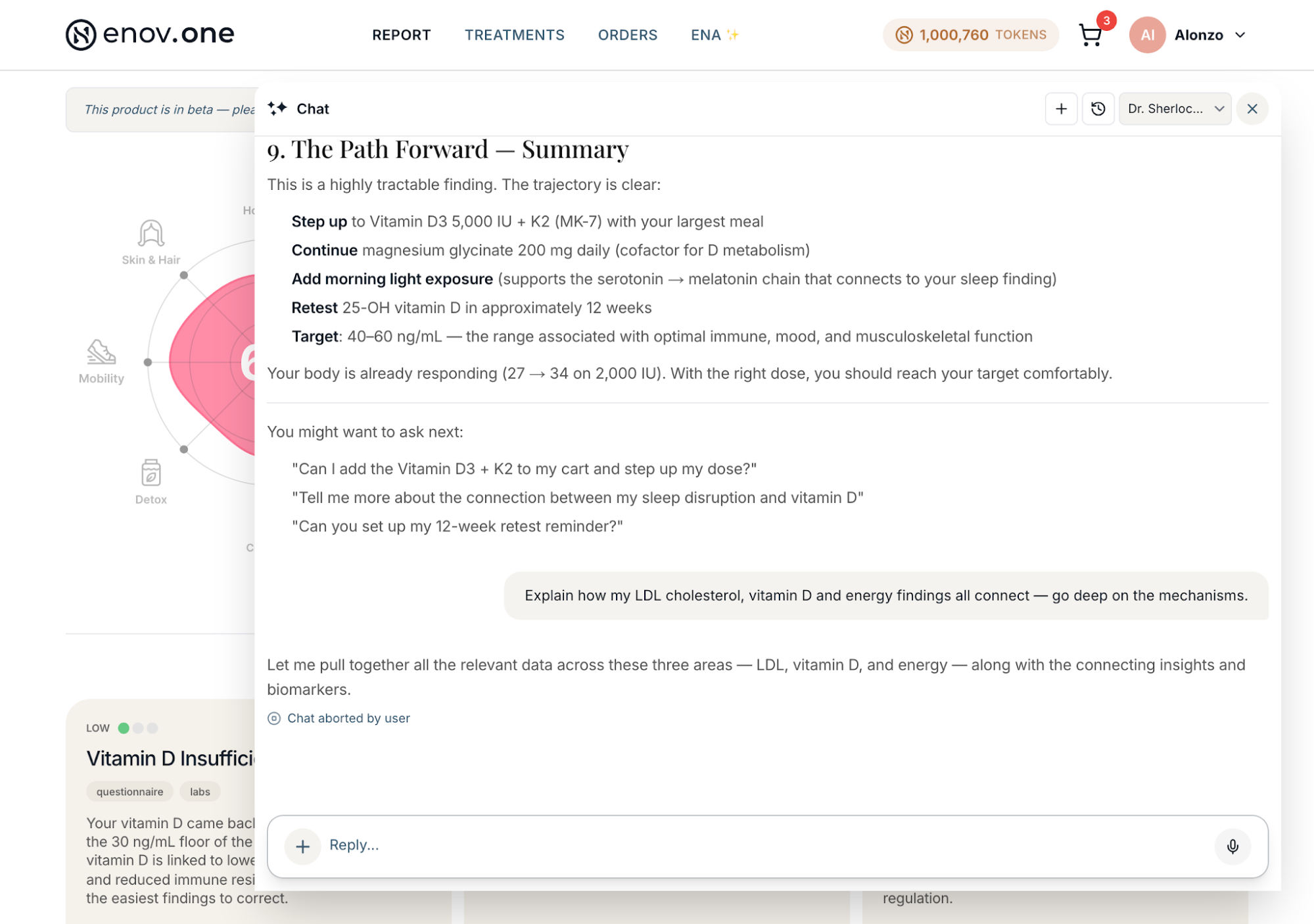
Stop Ena mid-answer
While Ena is typing, the send arrow turns into a solid square ■ (Stop) in the same spot. Tap it and she stops immediately — useful if you realize you asked the wrong thing. That message keeps a small “Chat aborted by user” note underneath so it’s clear the answer was cut short, and it stays there even after you close and reopen the app. Then just ask again — stopping costs you nothing.
If an answer is cut short
If one of Ena’s answers doesn’t finish (a dropped connection, for example), it shows “Ena’s reply didn’t finish.” underneath — on older messages too. Just ask again; on your most recent message there’s a Retry button.
Tell Ena how you like your answers
Tell her once — for example “be concise” or “don’t guess doses” — and she keeps to it from then on.
Before your report is ready
If you bought your DNA kit from us directly, you can chat with Ena while you wait for your kit and your report.
Starting fresh vs. carrying on
Tap “New chat” to start a clean conversation (one topic per chat makes them easy to find later). Your past conversations are listed under Ena — tap any one to reopen it exactly where you left off; nothing is deleted when you start a new chat. On a phone the panel is hidden — tap the small tab on the left edge of the screen to slide it out, and tap outside it to close.
What to actually ask
If the empty box feels intimidating, the app offers tap-to-send suggestions under the input, and the placeholder rotates through real examples. Good first questions: “What do my labs say about my energy?” “Explain my report to me like I’m not a doctor.” “Build me a supplement plan.” “Why am I always tired in the afternoon?”
Good to know: you can talk instead of typing. Tap the Talk button beside the message box (it shows while the box is empty), say your question, and Ena gets it as text.